


The CLM system provides the ability to download the bills produced by a particular Invoice Cycle job as a formatted extract (data) file. Instead of printing the bills locally, the institution can use this function to create a copy of the billing data, and provide it to a third-party for printing and mailing.
To create an extract of the output that is associated with a Invoice
Cycle job, click on the diskette icon (  ) located on the appropriate
Invoice Cycles List line. When the diskette icon is clicked,
the following pop-up message will display:
) located on the appropriate
Invoice Cycles List line. When the diskette icon is clicked,
the following pop-up message will display:
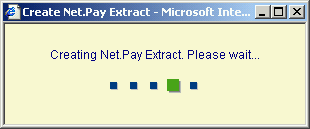
When the extract file has been completed, the pop-up window will be overlayed with the message displayed below:
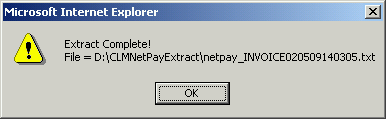
The path and file name will display in the message.
To view the file format for the NetPay extract, click the following link: NetPay File Format.